> For the complete documentation index, see [llms.txt](https://fieldworker.gitbook.io/fieldworker-docs/llms.txt). Markdown versions of documentation pages are available by appending `.md` to page URLs; this page is available as [Markdown](https://fieldworker.gitbook.io/fieldworker-docs/audiences/caregivers-ability-hub.md).
# Caregivers (Ability Hub)
Caring for an ill, aging, or disabled person can be a rewarding experience. It can also become an overwhelming responsibility depending on the level of care. Ability Hub is here to help.
Caregiving involves supporting individuals who need assistance with daily tasks due to age, illness, or disability. It requires empathy, patience, and resilience, as caregivers often balance roles such as managing medications, coordinating appointments, and providing emotional support. The role can be rewarding, fostering deep connections and a sense of purpose, but also challenging, necessitating self-care and access to resources to prevent burnout.
### Communicate, Coordinate, and Care
**Key Features**
* **Track and Indicate Caregiver Burnout**: Monitor the physical and emotional well-being of caregivers to prevent burnout and enhance overall effectiveness in caregiving roles.
* **Manage Health and Social Behavior**: Keep a detailed record of health metrics and social interactions. Share this critical information with both caregivers and healthcare providers to ensure a cohesive care strategy.
* **Track Medications and Prescriptions**: Stay organized with comprehensive tracking of medications and prescriptions, ensuring timely intake and refills to manage health effectively.
* **Organize Important Documents**: Safely store and categorize essential documents, including insurance papers, medical records, and emergency contacts, to access them conveniently when needed.
* **Calendar for Activities and Appointments**: Utilize the integrated calendar to effectively track and organize upcoming activities, medical appointments, and social events, ensuring seamless planning and reduced scheduling conflicts.
* **Post Updates and Requests**: Share updates, comments, and photos with your caregiving community. This feature allows for quick requests for help, ensuring timely assistance and a supportive environment.
* **Network Coordination**: The platform's social network hub is the core of community engagement. It creates a collaborative space where individuals involved in caregiving can connect and share responsibilities efficiently. This hub facilitates better communication, division of duties, and emotional support among all members involved in the caregiving process.
By leveraging these essential features, the caregiver management platform aims to provide accessible tools and resources to improve both the caregiver's and patient’s experiences, fostering an environment of informed, coordinated care.
### App Walkthrough
Sharing your condition and status with your circle of care
### Sharing Your Health Condition and Status with Your Circle of Care
Open and effective communication about your health condition and status with your circle of care is essential. Your circle of care typically includes family members, friends, healthcare professionals, and anyone involved in your care and support network. Sharing your condition can ensure that everyone is on the same page and can provide the necessary support and assistance when needed.
#### Benefits of Sharing
1. **Improved Care Coordination**: Sharing your health information can help healthcare providers collaborate more effectively in managing your care.
2. **Enhanced Support System**: Family and friends can offer better emotional and practical support when they are informed about your health status.
3. **Informed Decision-Making**: You and your circle can make more informed decisions concerning treatment options and healthcare interventions.
#### How to Share
* **Regular Updates**: Provide regular updates regarding your health by posting about yourself, asking for help, etc..
* **Documentation**: Keep a record of your medical history, medications, and treatment plans, and share these with your circle.
#### Considerations for Privacy
Respect for privacy is crucial; ensure that you share your information only with those you trust and who are directly involved in your care. Use secure methods for electronic sharing and be aware of your rights regarding health information confidentiality.
By thoughtfully sharing your health condition and status, you empower your circle of care to support you effectively, enhancing your overall well-being.
Centralize all patient information in a single location, facilitating streamlined communication and management. Filter communications by priority, ensuring timely and efficient interactions with your patients, enhancing their care experience, and improving organizational workflows.
Select the patient that you want to work with ...
Invite a new person to someone's circle of care
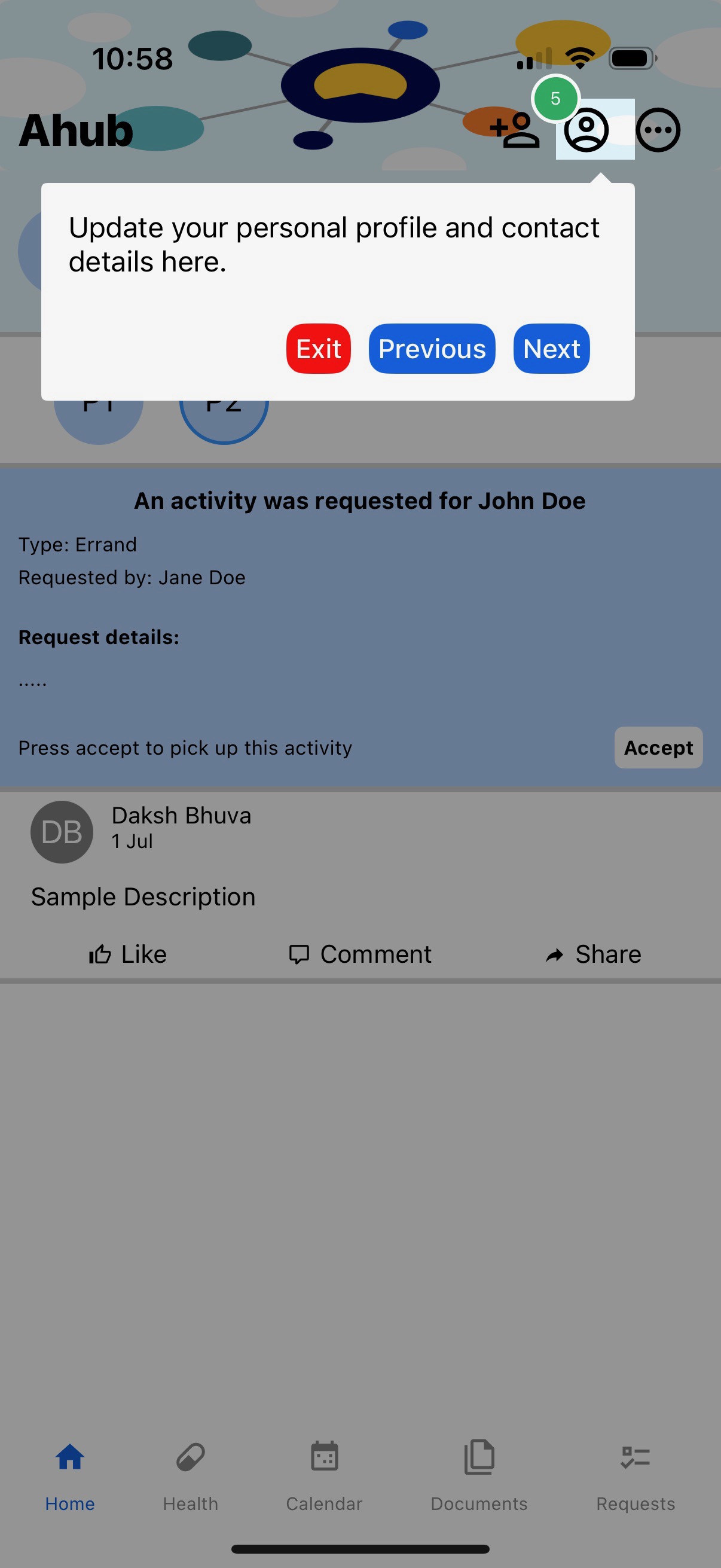
Manage and update your profile
Raise a request for help. This will be immediately available to your circle of care to respond.
Members of a care circle can view each other's requests. Patients can make requests for themselves. Caregivers can make requests for themselves or on behalf of a patient.
The primary interface of the application is designed to showcase a comprehensive view of all activities within your care network. Here, you will find status updates, newly raised requests, and any other actions taken by individuals who are part of your circle of care.
This centralized display ensures that you remain informed about all significant occurrences, facilitating enhanced communication and coordination among all members involved. Any changes or additions are reflected in real-time, allowing you to promptly respond or adjust as necessary. The intuitive layout is crafted to enhance user experience while providing quick access to essential information without overwhelming your screen with excessive details. Furthermore, customized filters are available to tailor the view according to your specific needs and priorities, ensuring you focus on what matters most to you and your network.
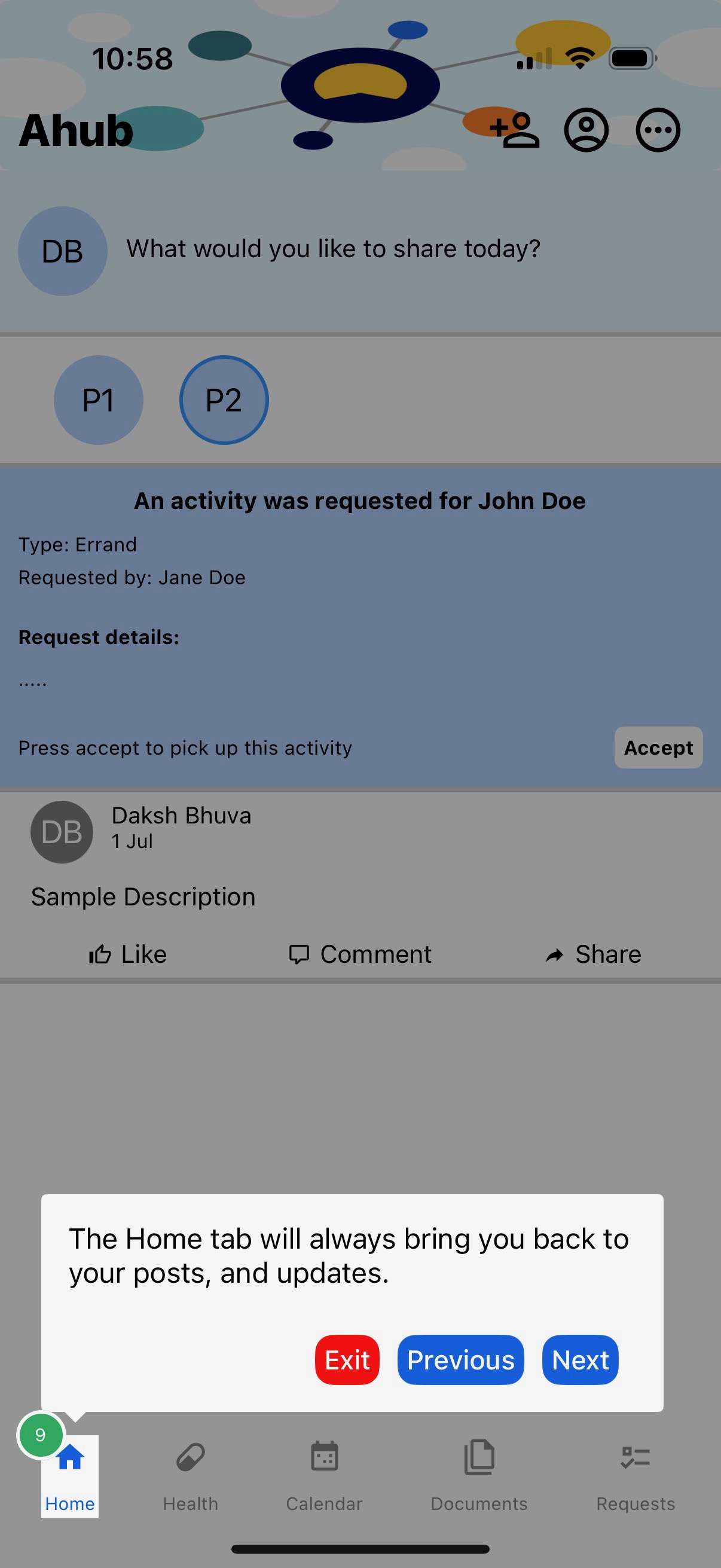
The Home tab will always bring you back to the main page.
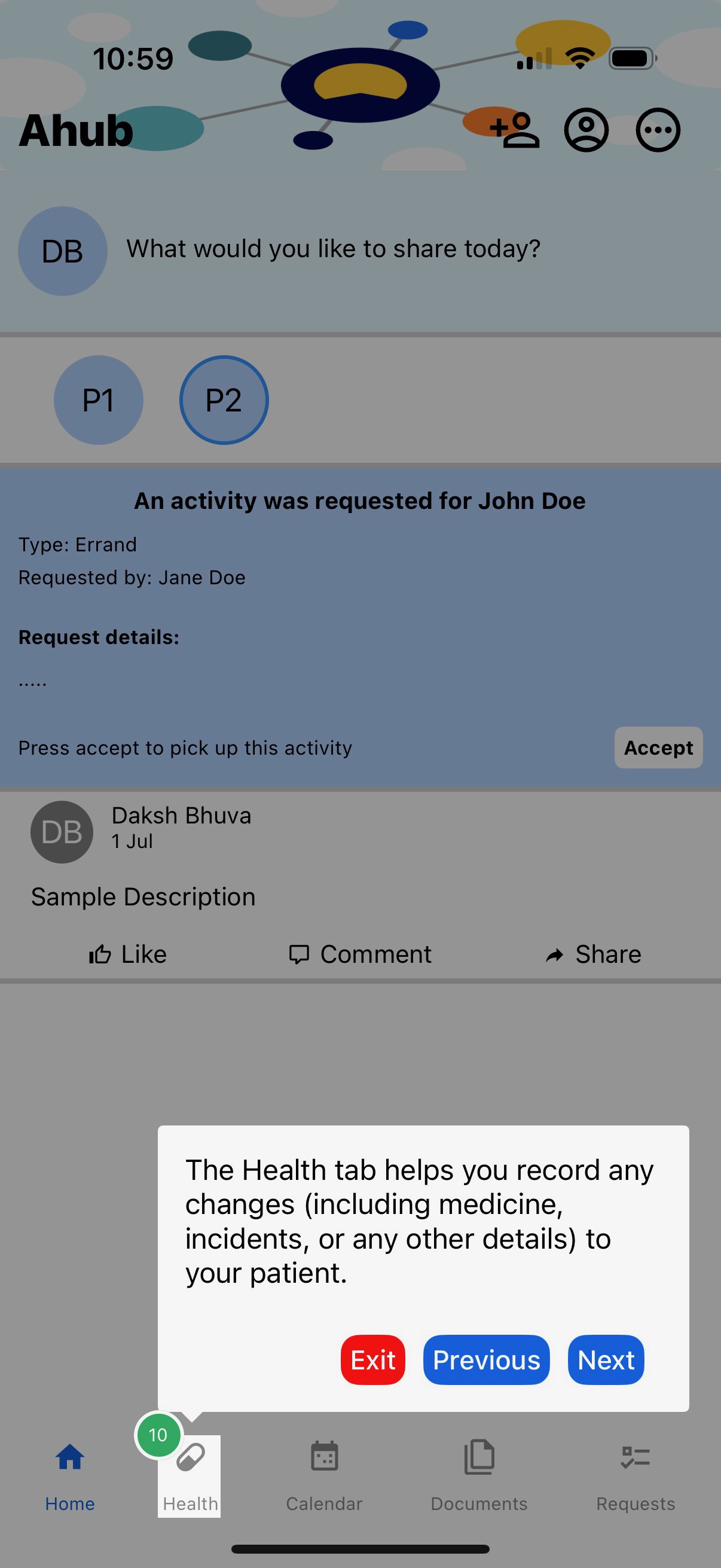
The Health tab is only active when you are working with (i.e filtered the information for) one patient. This takes you to all the health-related information of that patient in the system.
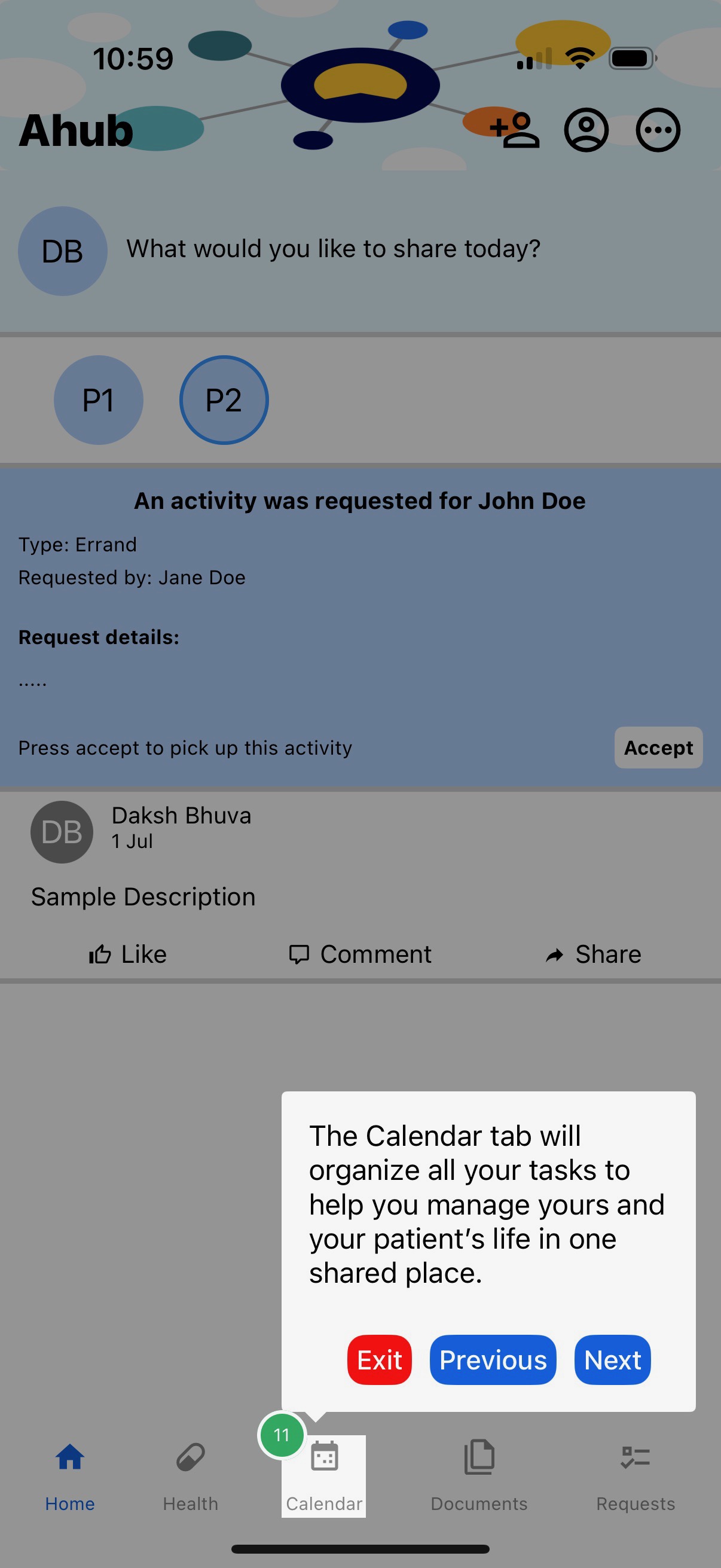
The calendar tab shows all your caregiving activities in one place.
Similarly, the document tab shows all your documents in one secure and centralized place.
The request tab displays all your requests, requests from your circle of care, and their current status.
As a caregiver, you may be asked a question. The answer to such questions will let the platform make suggestions to reduce your burden and/or burnout.
The application lets you capture a lot of details about the patient under your supervision.